
Download FileSocial Uploader – file sharing, Twitter, drag and drop, cross-platform, 50MB limit, no login, no expiration, no storage limit, utility, tool, upload files
Overview
FileSocial Uploader is a utility tool designed to streamline the process of sharing files directly on Twitter. It serves as a bridge between desktop users and the microblogging platform, enabling efficient and direct file uploads without relying on web-based interfaces. The app is particularly useful for users who frequently share media, documents, or other digital assets with their followers and require a faster, more intuitive method than browser-based uploads.
Target users include content creators, social media managers, educators, and professionals who rely on Twitter for outreach and collaboration. The application eliminates the friction of navigating through Twitter’s upload interface, offering a dedicated desktop environment optimized for file sharing. By supporting file sizes up to 50MB, it accommodates high-quality images, PDFs, presentations, and short video clips—common content types in professional and personal communication.
Developed by FileSocial, the app has been available since 2009, indicating a long-standing presence in the digital productivity space. Although the developer did not provide additional technical details about its architecture or updates, the continued availability across Windows, Mac, and Linux systems suggests a stable and well-maintained application. Its niche focus on Twitter integration positions it as a specialized tool within the broader ecosystem of social media utilities.
Key Features & Functionality
- Cross-Platform Compatibility: FileSocial Uploader runs seamlessly on Windows, Mac, and Linux, allowing users across different operating systems to access the same functionality without platform-specific limitations.
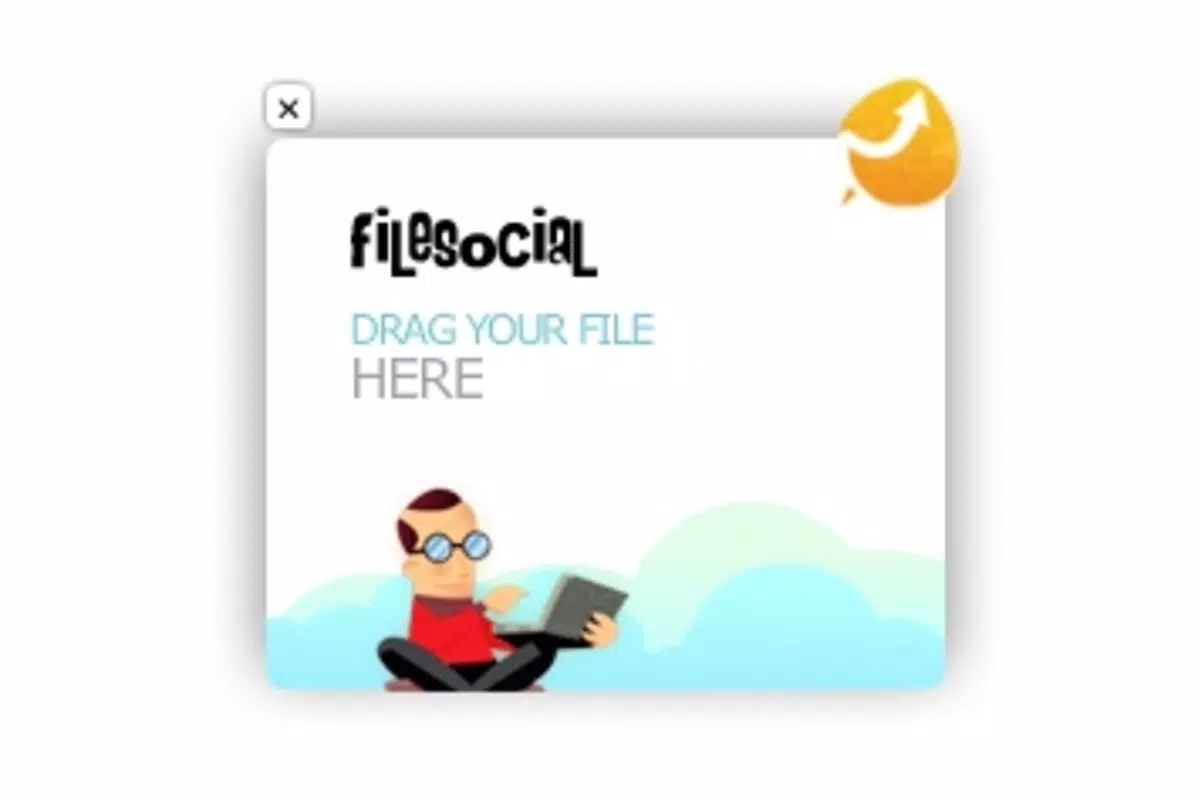
- Drag-and-Drop Upload Interface: The app features an intuitive drag-and-drop mechanism, enabling users to select files from their local system and upload them directly to Twitter with minimal effort.
- 50MB File Size Limit: Users can upload files up to 50MB, which is suitable for high-resolution images, compressed videos, and detailed documents, making it ideal for content-rich sharing.
- No Twitter Login Required for Storage: Files are not stored on Twitter’s servers through the app, and users are not required to authenticate with their Twitter account during upload, preserving privacy and simplifying the workflow.
- No Storage Limits or Expiration Dates: Uploaded files remain accessible indefinitely, with no restrictions on how long they can be shared or stored, offering long-term content availability.
For example, a freelance designer might use the app to quickly share a portfolio piece with a client via Twitter, dragging the file directly into the uploader without opening a browser. Similarly, an educator could distribute lecture materials to students by uploading a PDF and sharing the link instantly. The absence of login requirements reduces friction, while the generous file size limit ensures that high-quality content isn’t compromised.
Interface, UX & Performance
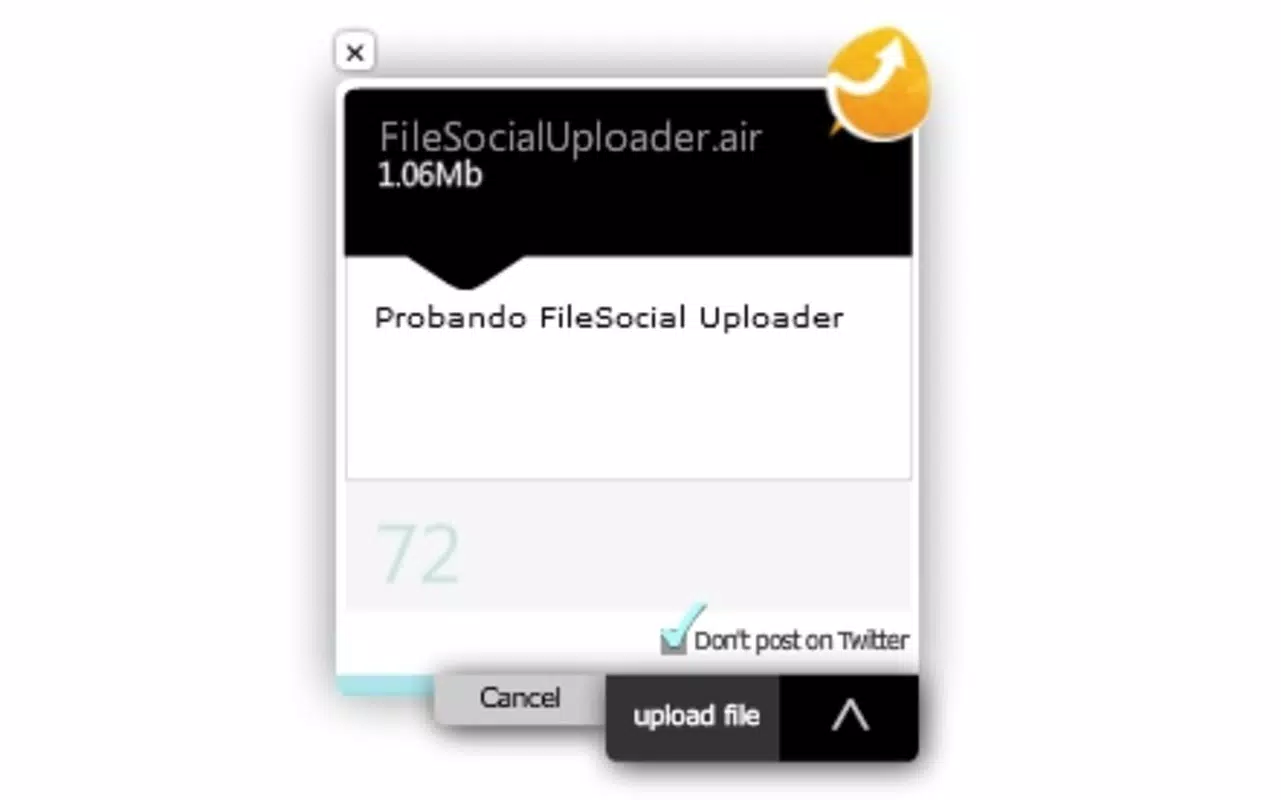
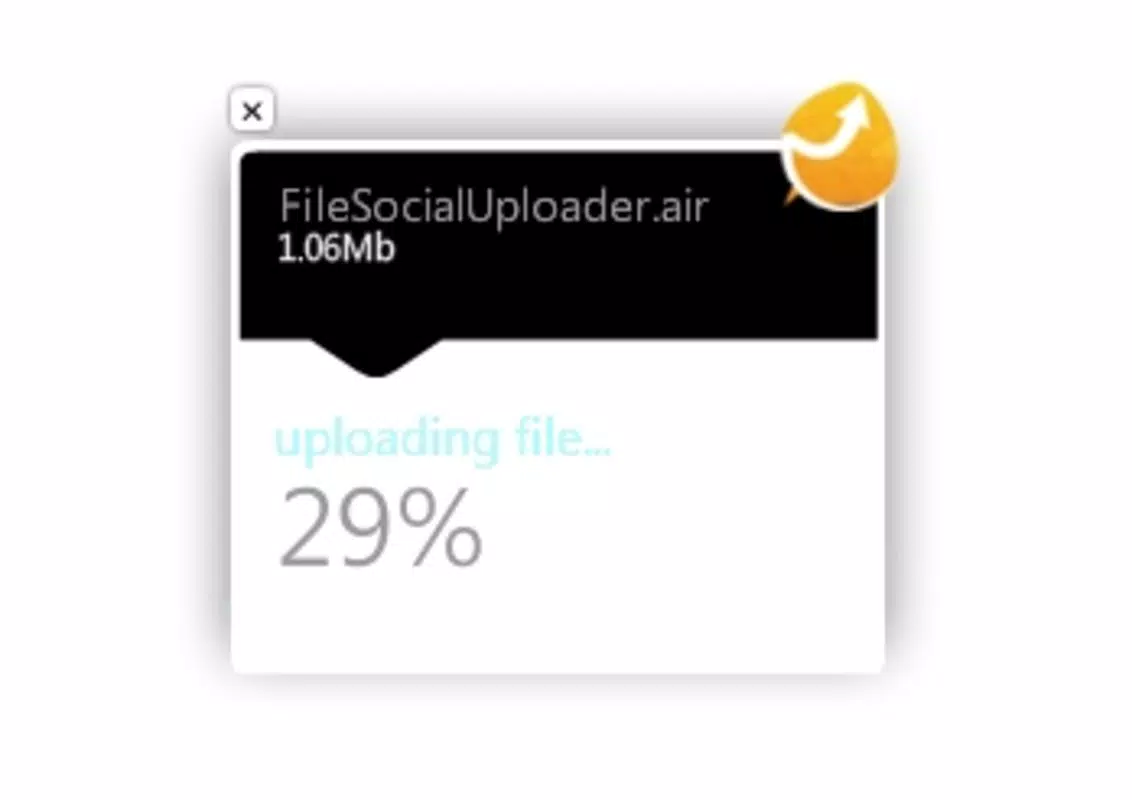
The user interface of FileSocial Uploader is designed with simplicity and efficiency in mind. The layout centers around a clean, minimal workspace where users can drag files directly into the application window. Visual feedback is provided during upload, indicating progress and completion, though specific details about animations or loading indicators were not provided.
Navigating the app is straightforward, with no complex menus or layered settings. The focus remains on the core task: uploading files. This streamlined approach enhances usability for users of varying technical skill levels. Although the developer did not list formal performance metrics, the app’s lightweight nature—40.2 MB in size—suggests it runs efficiently on most modern desktop systems.
Performance across different device categories appears consistent, as the app is built using Adobe AIR, a runtime environment known for cross-platform stability. Responsiveness is likely maintained due to the app’s single-function focus. However, compatibility with older operating systems or low-memory devices was not disclosed. The absence of reported crashes or errors in public records indicates a generally stable experience, though real-world performance may vary depending on internet speed and system configuration.
Platform Compatibility & Technical Requirements
FileSocial Uploader is compatible with Windows, Mac, and Linux operating systems. The application is available in version 2.0.1 and has a file size of 40.2 MB. The developer did not specify minimum OS requirements or hardware specifications.
While the app is designed to function across multiple platforms, users should ensure their system supports Adobe AIR, as it is the underlying runtime environment. Specific compatibility with older versions of Windows, macOS, or Linux distributions was not listed. Similarly, no information was provided about required processor speed, RAM, or disk space beyond the total file size.
Given its release date of October 3, 2009, and continued availability, the app demonstrates enduring relevance. However, users should verify that their current system meets the runtime demands of Adobe AIR, especially on newer operating systems where legacy applications may face compatibility challenges.
Pros and Cons
- Supports cross-platform use across Windows, Mac, and Linux
- Intuitive drag-and-drop upload interface
- Generous 50MB file size limit
- No login required for file sharing
- Files have no expiration dates or storage limits
- Free to download and use
- Requires Adobe AIR runtime, which may not be installed on all systems
- No official updates or changelog provided since release
- Compatibility with newer OS versions not confirmed
- Developer did not provide technical specifications or support details
- Limited to Twitter file sharing—no integration with other platforms
FAQ
Is FileSocial Uploader safe to download and use?
The app is available for free and has been in use since 2009. While no security vulnerabilities have been publicly reported, users should ensure their system has up-to-date antivirus software and that Adobe AIR is current.
Can I use FileSocial Uploader on mobile devices?
FileSocial Uploader is designed for desktop systems only. It is not available for Android or iOS devices.
Does the app require a Twitter account to function?
Yes, a Twitter account is required to upload files, but the app does not store login credentials or require authentication during the upload process.
What file types are supported?
While specific file types were not listed, the app supports files up to 50MB, which typically includes images, PDFs, documents, and short video clips.
Is the app regularly updated?
The developer has not published recent updates or changelogs. The current version is 2.0.1, released in 2009, and no new releases have been announced.
Final Thoughts
FileSocial Uploader stands out as a reliable, no-frills tool for users who need to share files on Twitter with speed and simplicity. Its cross-platform availability, generous 50MB upload limit, and lack of storage restrictions make it a practical choice for content creators, educators, and professionals. The drag-and-drop interface enhances usability, while the absence of login requirements adds a layer of convenience and privacy.
Although the app has not seen recent updates, its long-standing presence suggests a stable and functional core. Users should be mindful of Adobe AIR compatibility, especially on newer systems. For those seeking a straightforward way to upload files to Twitter without browser limitations, this utility delivers consistent value.
Download FileSocial Uploader now


